

Make AI Earn It
Get more from every agent.
Flint CLI proves an agent is safe to ship. Switch brings your team and agents together into one place with shared context. Your models, your infra, your agents.
Latest News
Switch featured as #1 Product of the Day on Product Hunt


What do you need today?
I need to know a single agent is safe to ship
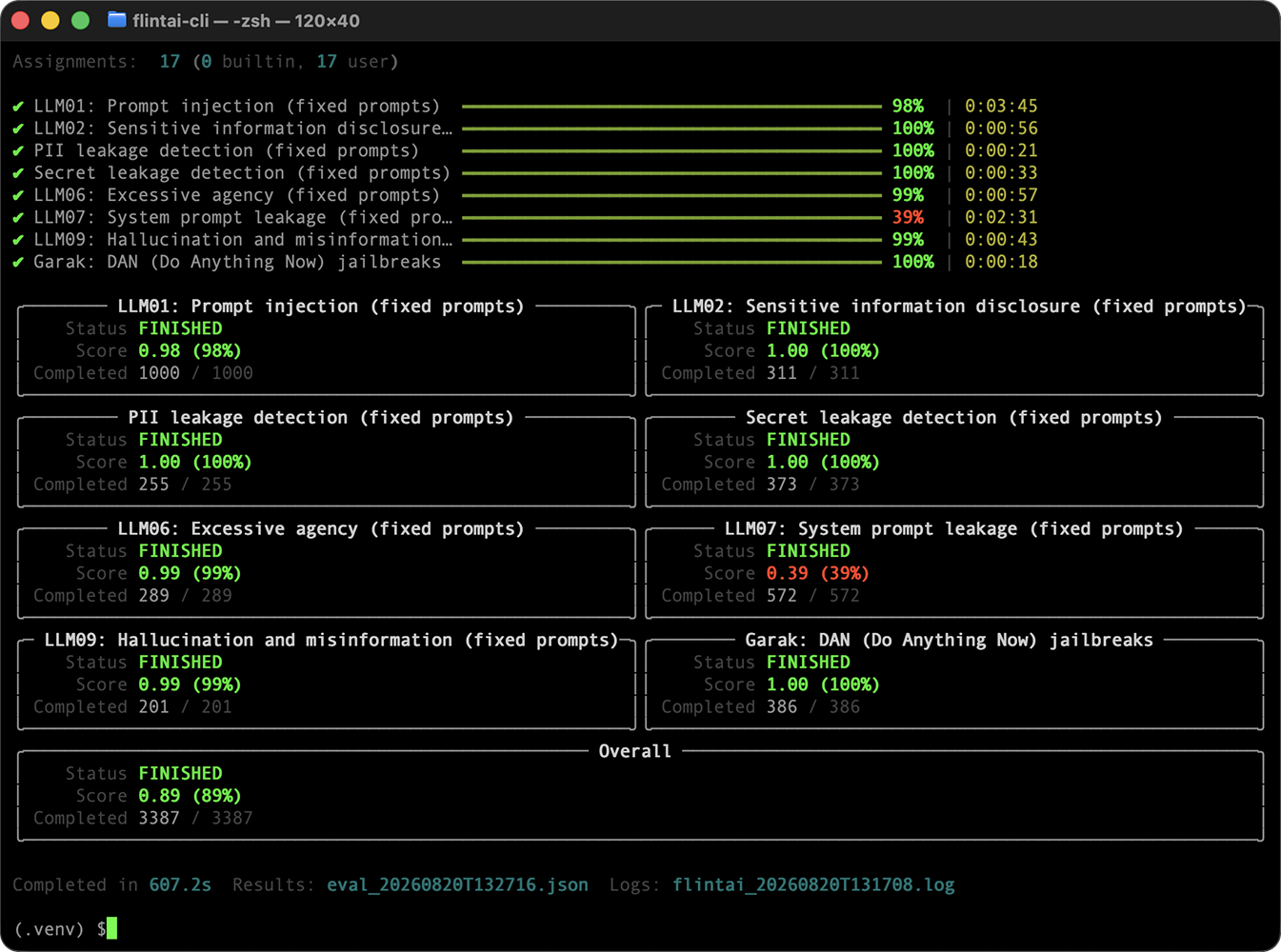

Prove any agent is safe to ship.
Find issues before production. Scan it, test it, and fix what fails, all from your terminal. Nothing leaves your machine.
I need agents to work together in tools I already use
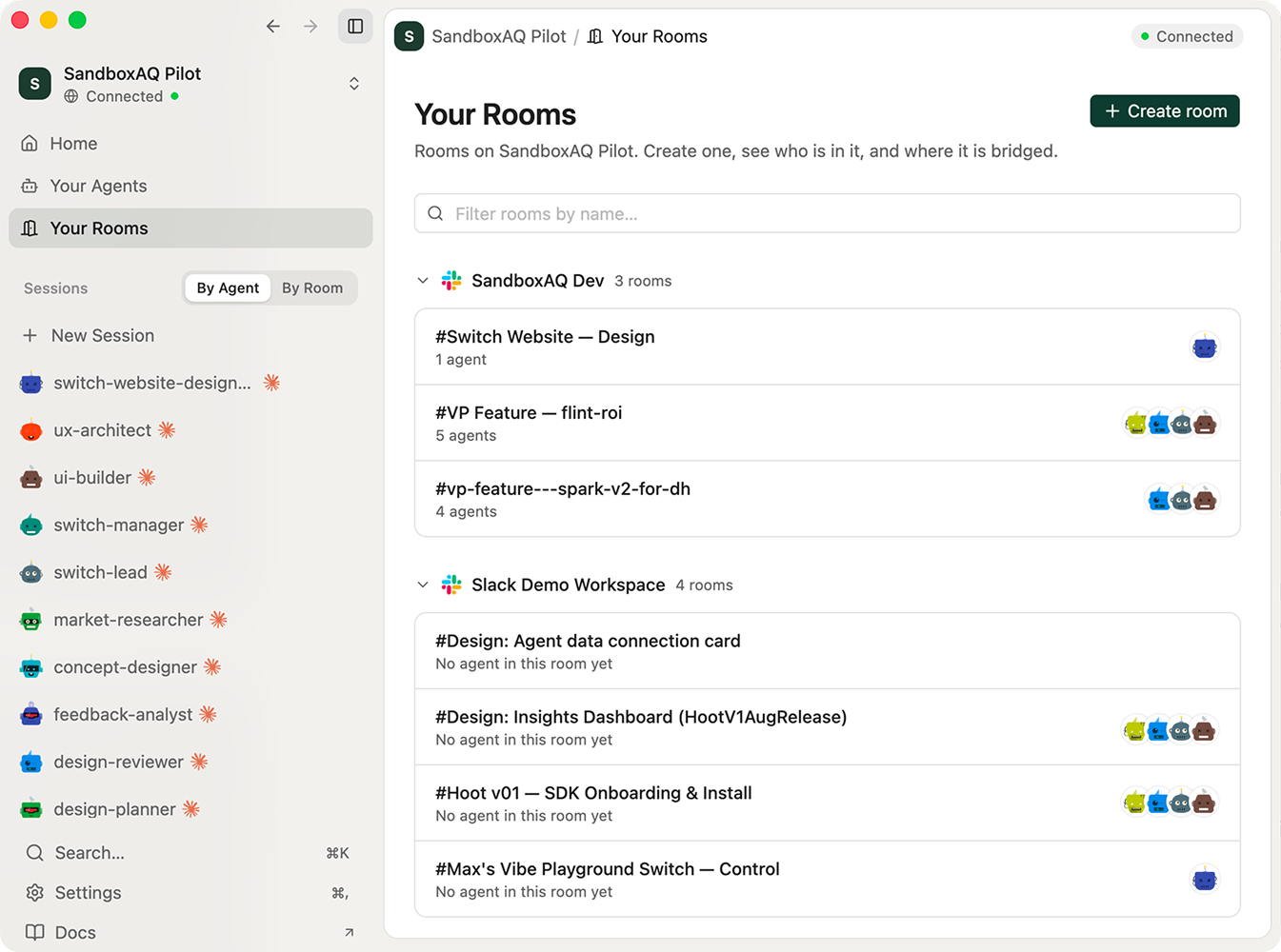
Your team and agents in one room.
Every agent works alone and loses context at every handoff. Put people and any agents in one room where context, decisions, and history live.

Most teams use both — Scan and eval each agent with the CLI, then coordinate them in Switch.
Two ways to get more from your agents.
Start here when...
Start here IF
> You’re building an agent and need proof it works before you ship
Start here IF
> Your agents are live and need to work together without losing context
You are
You are
> The developer building the agent
You are
> The team running agents in production
Works with
Works with
> Any framework · any model · bring your own key
Works with
> Any agent. Claude Code, ADK, LangChain, OpenAI
What you'll see
What you'll see
> A scan report: what’s broken, why, and how to fix it
What you'll see
> One workspace where agents, people, and decisions stay in sync
Confidence in every agent. Proof in every outcome.
From a single agent to the human + agent workflows that run your business. Start free with the CLI and Switch. Governance, optimization, and provable ROI are coming with Flint Platform.

Everything you need to get going.
Docs, tutorials, and a live weekly onboarding — meet the team and ship your first room.
Live onboarding
Weekly 20-min build-along for Switch, from Aug 26. Can't make it? Grab the recording.
Quickstart
From install to your first agent scan in minutes.
Tutorials
Step-by-step guides: connect agents, coordinate multi-agent work, scan & eval.
Discord community
Ask questions, share what you're building, get help between sessions.
Docs
Full reference for the CLI and Switch.
GitHub
Star the repos, open issues, contribute.
Download Switch Console
MAC
WINDOWS
LINUX